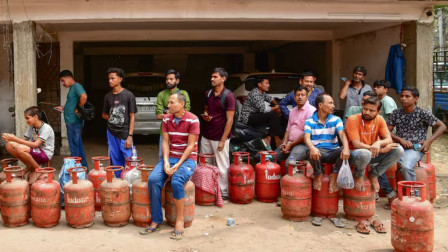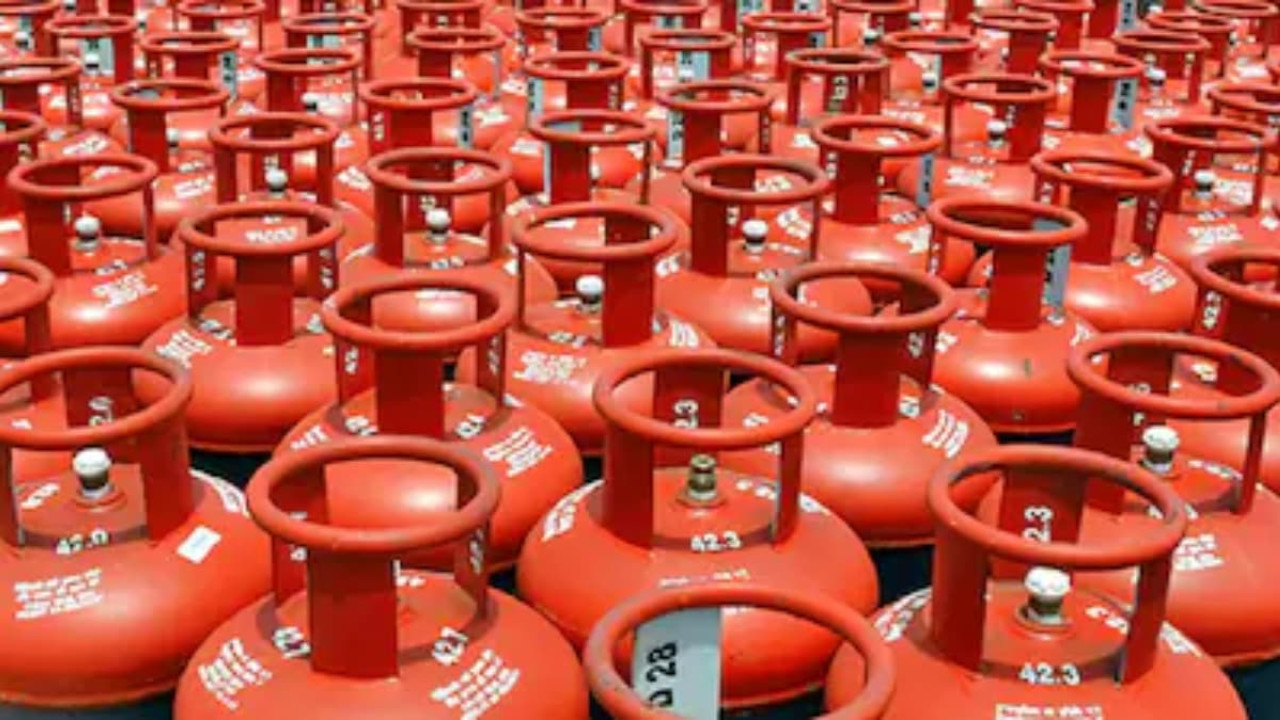
Amidst reports of LPG shortage, people are facing difficulties in booking LPG cylinders via phone calls. (Image X @ANI)
New Delhi: Amidst reports of LPG shortage, people are facing difficulties in booking LPG cylinders via phone calls. Consequently, long queues of people can be seen outside gas agencies. In this situation, you may choose to attempt booking a cylinder through the government's UMANG app, or via payment apps such as PhonePe and Google Pay. We have previously outlined how you can book a cylinder using methods involving WhatsApp, SMS, and missed calls.
Continuing this series, today we will focus on the government's UMANG app and various payment apps. It is worth noting that if your cylinder is successfully booked but not delivered on time, you can also register a complaint directly from your phone using these four methods.
You can also book a cylinder through the government's UPI application, the BHIM UPI app. To do so:
- Open the BHIM app and click on the 'Bill Pay' option displayed on the home screen.
- Scroll down and select the 'LPG Cylinder' icon located within the 'Utility Bills' category.
- Select your gas provider (gas company).
- Next, enter your Consumer ID or your registered mobile number.
- Upon clicking 'Get Bill Details,' you will see the price of the cylinder and the consumer's name.
- Now, enter your UPI PIN to complete the payment.
- Once the booking is successful, you will receive a confirmation message.
UMANG—which stands for 'Unified Mobile Application for New-age Governance'—is a government-operated, all-in-one application. It allows you to access and utilize a wide range of government services within a single app. Notably, booking a gas cylinder is one of the services available through this platform. To book a cylinder using the UMANG app:
- First, download the app from the Play Store or App Store and log in. If you are a new user, sign up using your mobile number.
- Next, use the search bar on the home screen to search for your specific gas provider—such as Indane, HP Gas, or Bharat Gas—and click on the corresponding result.
- Now, select either the 'Refill Order' or 'Order Cylinder' option. Enter your Customer ID or mobile number to confirm, and complete the booking by making the payment.
You can also use payment apps to book an LPG cylinder. PhonePe is one such app. To book a cylinder via PhonePe:
- First, go to the 'Recharge & Pay Bills' section.
- Now, click on the 'LPG Cylinder' icon.
- Next, select your operator.
- Now, enter your Customer ID. The price of the cylinder will then appear on the screen.
- Click on 'Proceed to Pay' and complete the payment using UPI, a debit card, or a wallet.
- You will receive a digital receipt as soon as the booking is confirmed.
To book a cylinder via Google Pay:
- First, go to the 'Bills' section.
- Next, within the payment categories, you will find the 'LPG Cylinder' option; tap on it.
- Select your gas provider and link your account by entering your Consumer ID or registered mobile number.
- Once the account is linked, the customer's name and the current price of the cylinder will be displayed.
- Click on 'Pay' and enter your UPI PIN to complete the payment.
- You will receive a confirmation from Google Pay as soon as the booking is successful.




Copyright © 2026 Top Indian News